
RollBook
Live on Androidv1.4.2Made for Students, by StudentsSmart Attendance. Better Tomorrow.
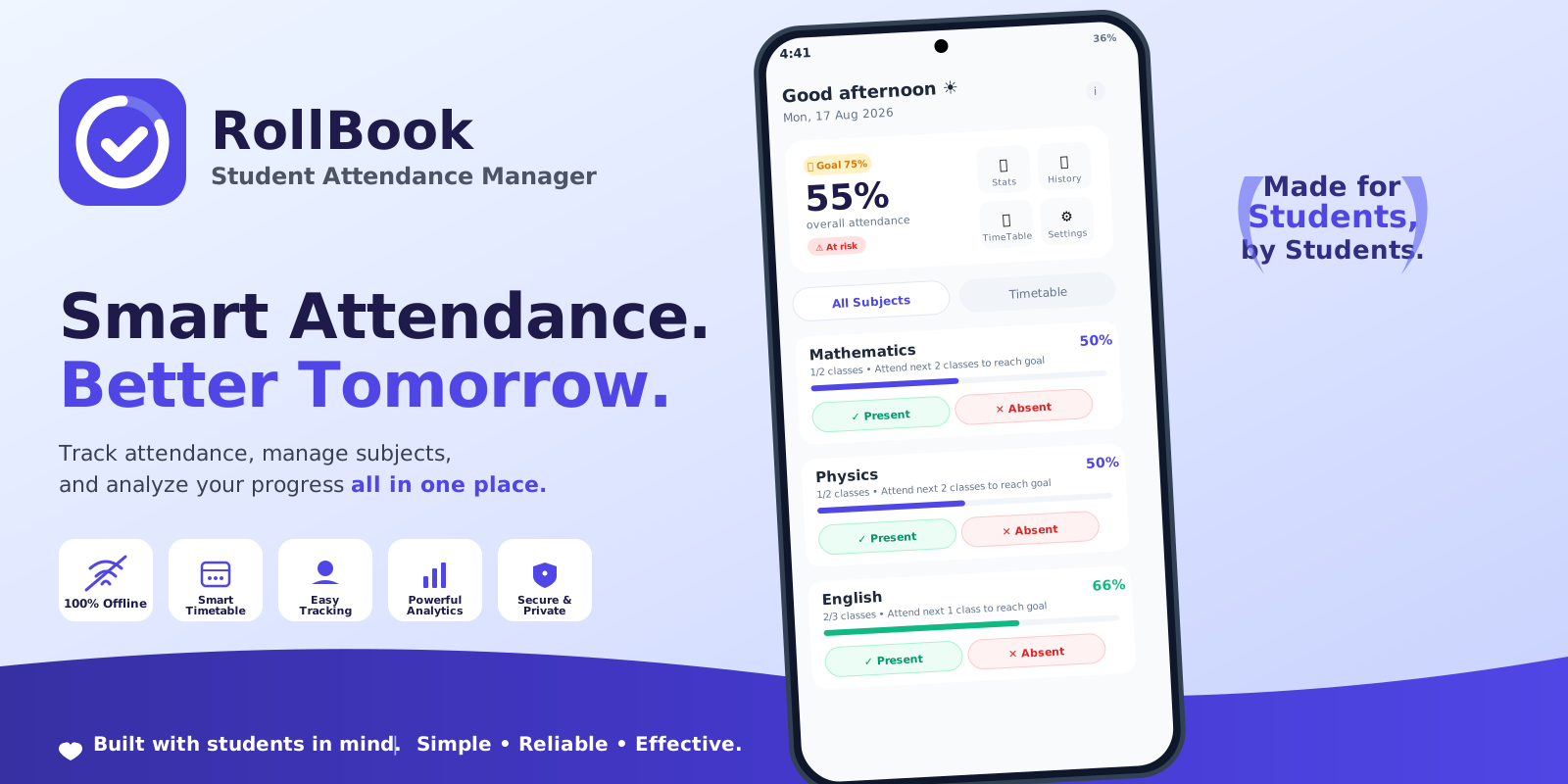
Track attendance, manage subjects, and analyze your progress all in one place. Built for students, by students—fast, offline-first, and privacy-respecting. As a complete student attendance app and attendance manager, it features a built-in student bunk calculator and 75% attendance calculator to keep your semester on track.
Official Promo Banner
RollBook • Smart Attendance. Better Tomorrow.
Core Capabilities
100% Offline by Default
Works reliably anywhere without mandatory accounts or constant internet. Your rosters and attendance records remain strictly on your device.
Smart Timetable
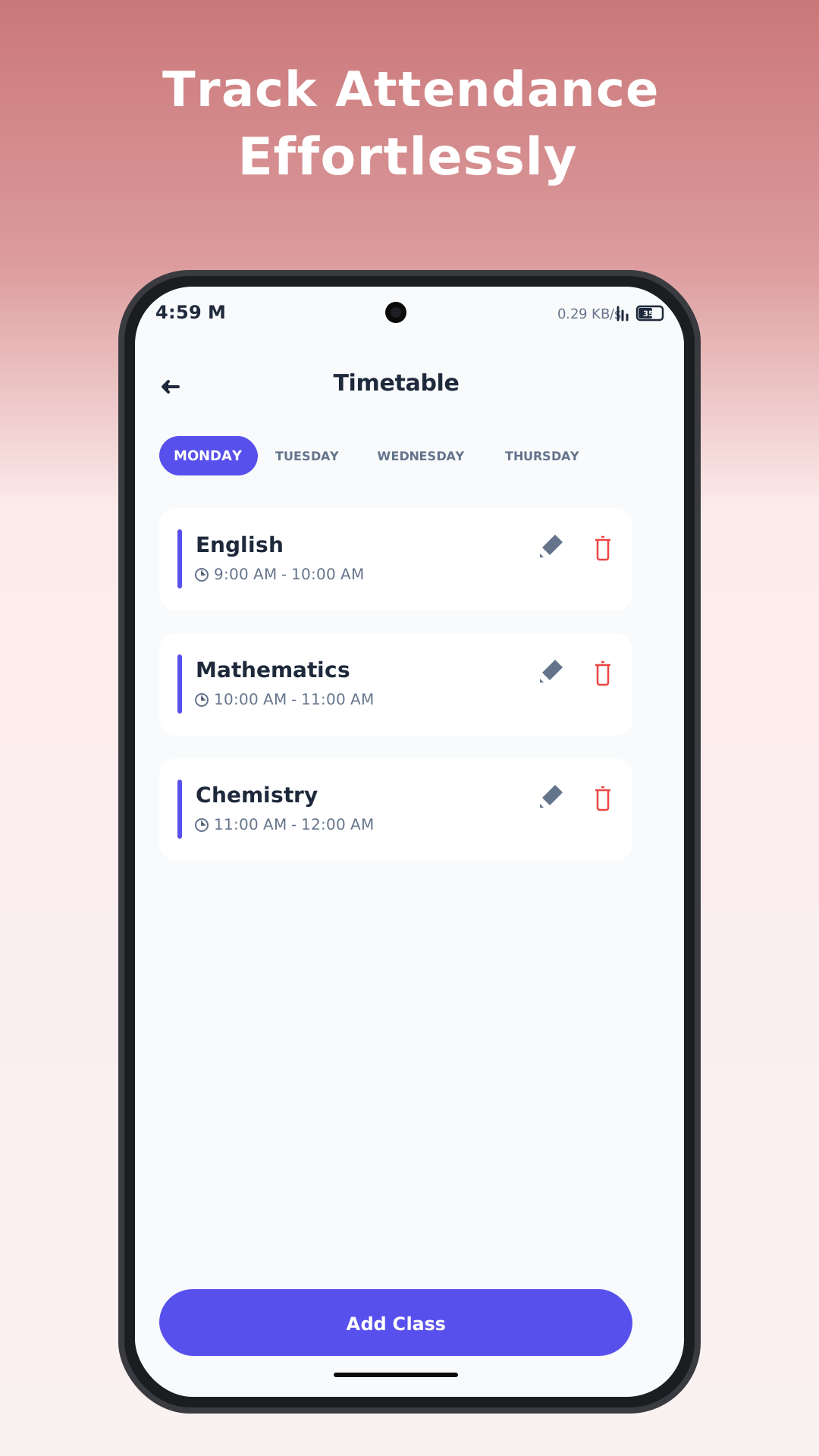
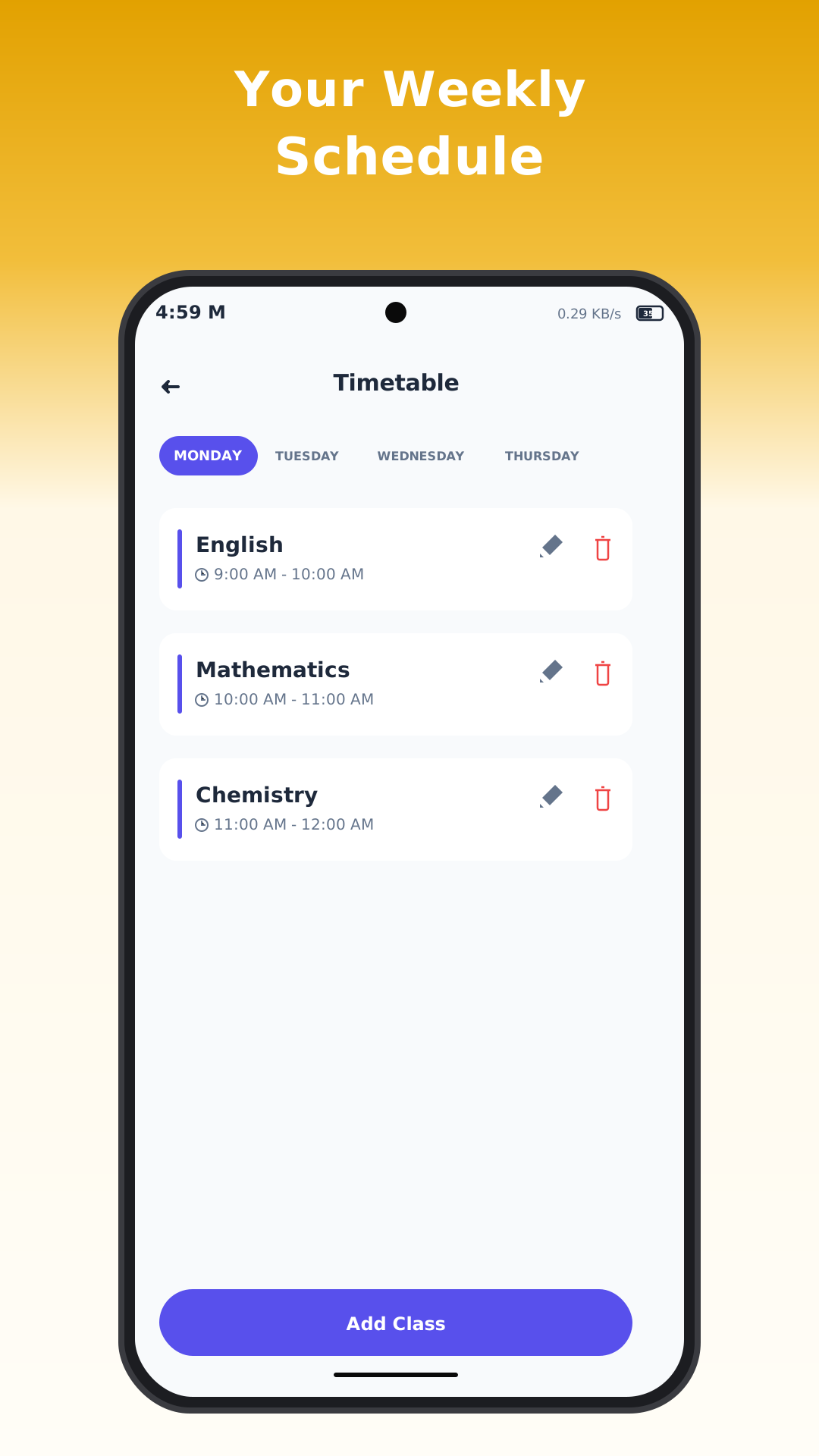
Organize your weekly academic schedule with day-by-day timetable views, custom class intervals, and rapid class shortcuts.
Easy Tracking
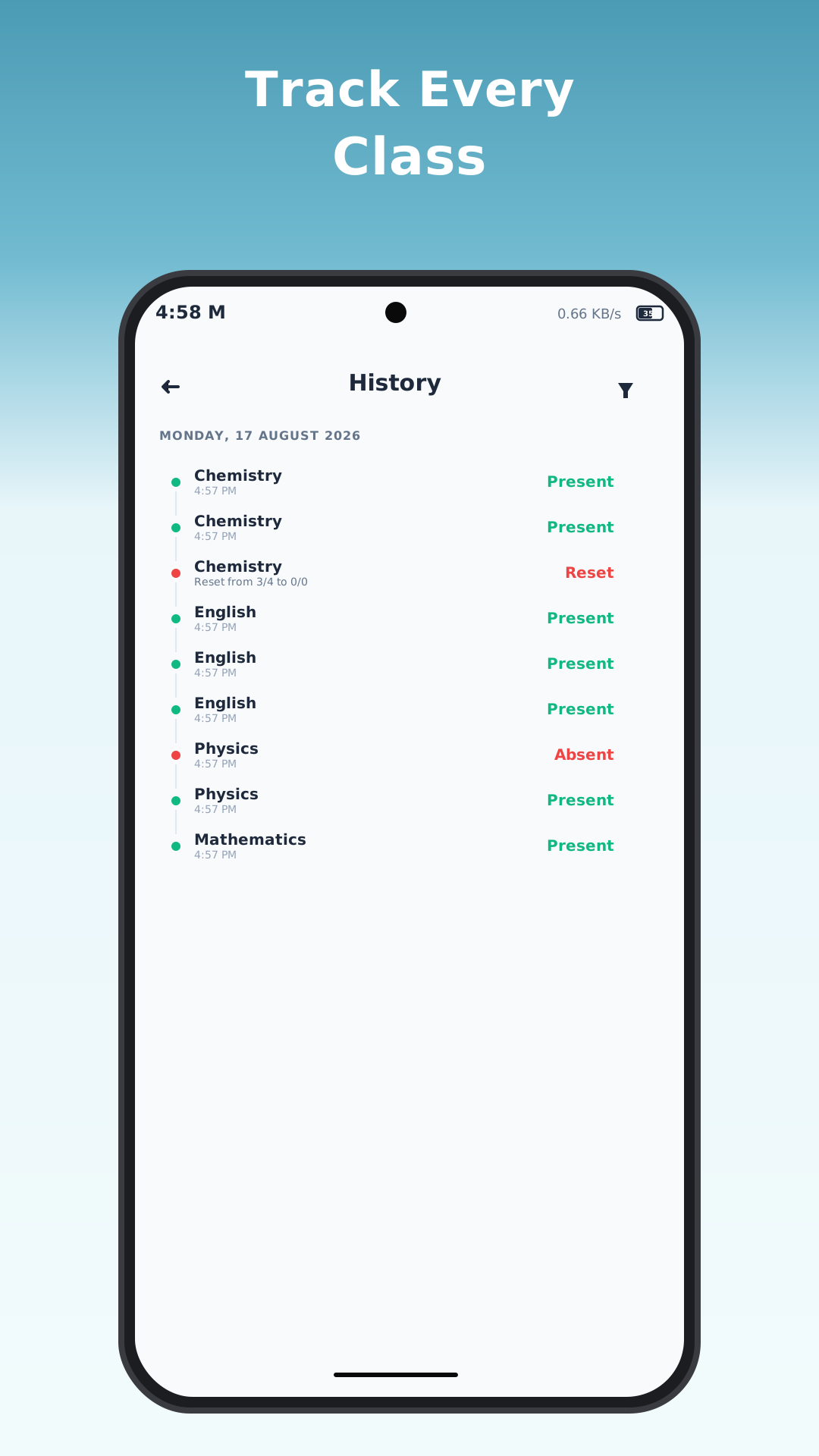
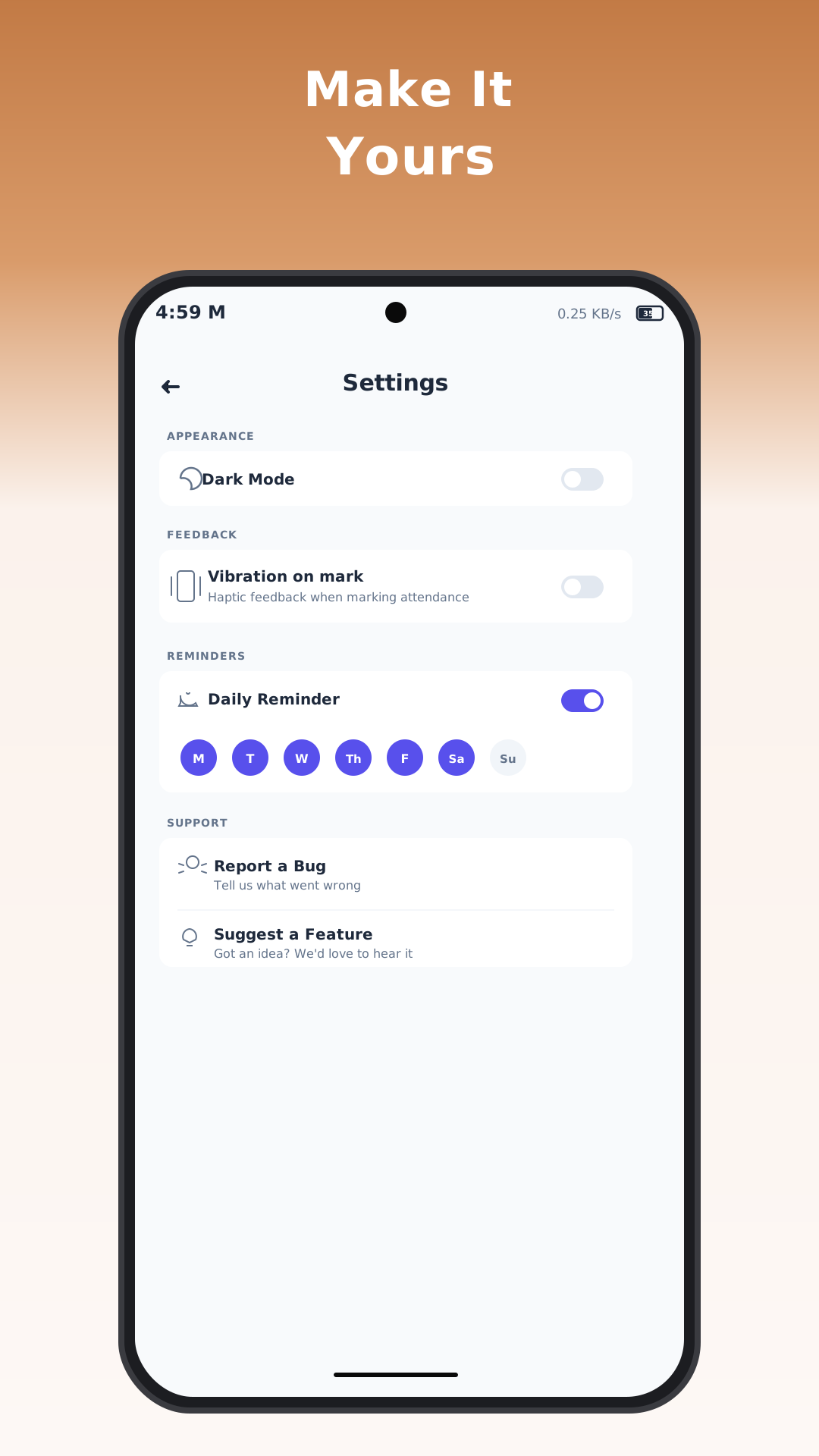
Log Present, Absent, Cancelled, and Mass Bunk in one tap with instant feedback and haptic vibration support.
Powerful Analytics
Automatic 75% attendance target goal calculator, class-by-class percentage meters, and early at-risk warning indicators.
Secure & Private
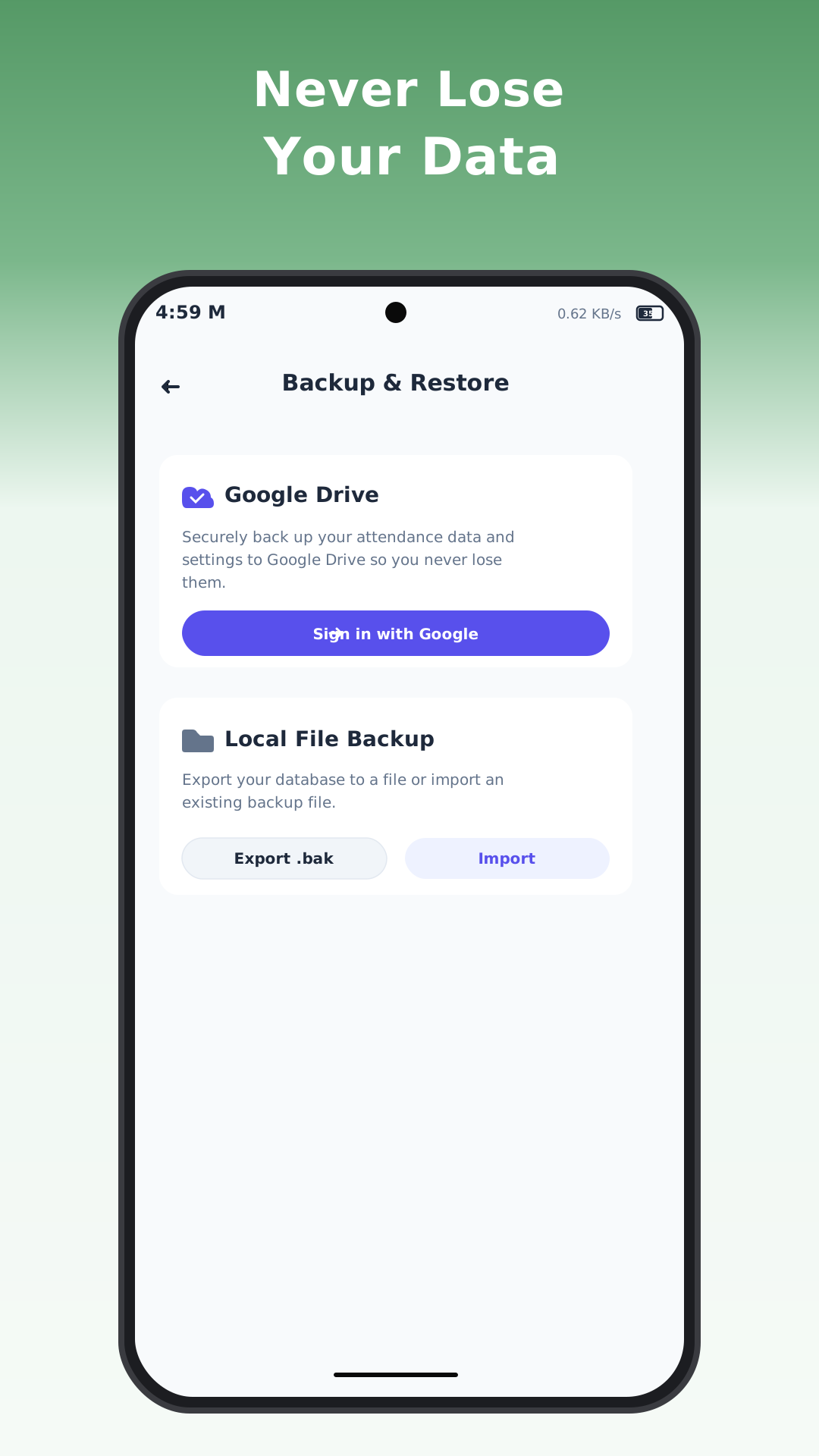
Local database backup with one-click .bak export/import alongside optional, user-controlled Google Drive backup.
Interface & Screenshots
5 High-resolution Android interface screens
Interactive RollBook Live Demo
Test the live attendance calculator and CSV exporter directly in your browser
Interactive RollBook Sandbox
Test the live tagging flow & export standard reports directly
Technical Specifications & Architecture
Application Details
- Package ID:
- com.rollbook.app
- Current Version:
- 1.4.2
- Minimum OS:
- Android 8.0 (API 26) or higher
- Target Platform:
- Android Phones & Tablets
- Export Formats:
- CSV & Local .bak Archives
Permissions & Storage
- Offline Storage:
- 100% Local SQLite database
- Cloud Backup:
- Optional user-authenticated Google Drive
- Network Access:
- AdMob advertisements & optional Drive sync
- Developer:
- simplebuildapps
Legal & Policy Documents
Official ComplianceRollBook Privacy Policy
Detailed disclosures on our 100% offline data handling, zero student data tracking, Android system permissions, and Google AdMob disclosures.
RollBook Terms & Conditions
Terms of use, user data ownership, license grants, 13+ age eligibility, backup responsibilities, Google Play billing, and warranty disclaimers.
Frequently Asked Questions
Is RollBook really 100% offline?
Yes. RollBook stores all subjects, timetables, and logs directly in your device's internal storage database. You can track attendance seamlessly without an internet connection or cellular data.
How does the 75% target calculator work?
RollBook automatically tracks your overall percentage and calculates exactly how many consecutive classes you need to attend to satisfy the standard 75% attendance threshold. If your attendance slips below the threshold, it flags the class with an immediate "At risk" badge.
How do I back up my attendance records?
Under Backup & Restore in settings, you can export a full .bak database archive to your device downloads or connect your Google Drive account for automatic secure cloud backups.